
The Xbox Series S is a powerhouse of gaming, but even the best machines can hit a snag. Whether it’s a stubborn glitch or a game that just won’t load, sometimes a hard reset is the magic wand that brings everything back to life. Think of it as giving your console a refreshing spa day—goodbye stress, hello smooth gameplay!
Understanding The Hard Reset Process
The hard reset process for the Xbox Series S effectively troubleshoots issues. This method clears the cache, restarting the console and often resolving glitches or loading problems.
What Is A Hard Reset?
A hard reset involves powering off the Xbox Series S completely. This action cuts the power supply, ensuring all sessions and issues terminate. Users reset by disconnecting the console from its power source for about 10 seconds. Reconnecting the power restores the system, allowing it to start fresh. This process helps in refreshing the system memory, often enhancing performance.
Why Perform A Hard Reset?
Performing a hard reset benefits the Xbox Series S in multiple ways. It resolves common issues like freezing screens and slow loading times. Users also notice improvements in game performance and responsiveness after a reset. Frequent updates and changes in settings can lead to unexpected behavior; a hard reset often brings stability back. Maintaining the console’s health improves the overall gaming experience, allowing users to enjoy their favorite games without disruption.
How To Hard Reset Xbox Series S
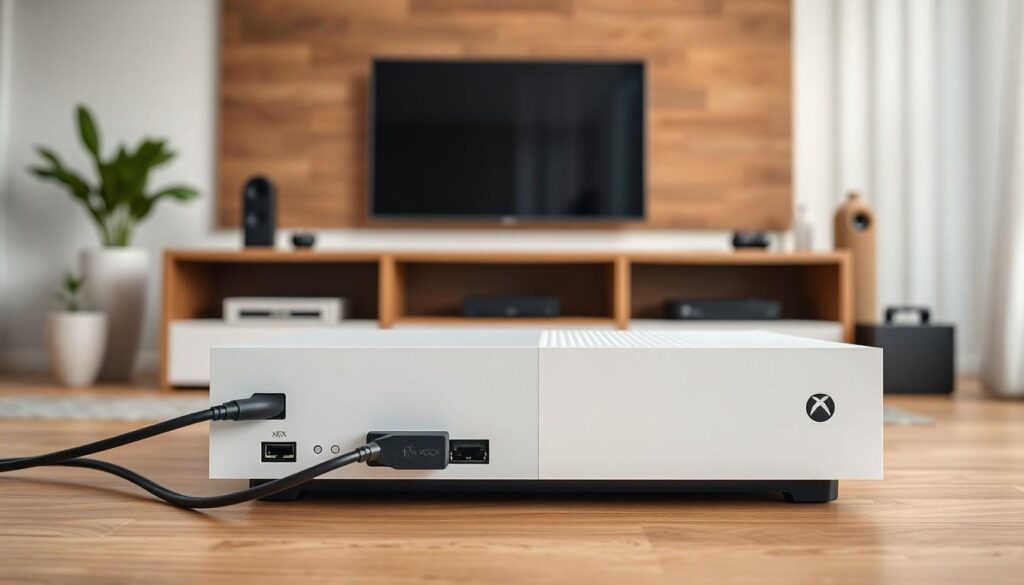
Performing a hard reset on the Xbox Series S can effectively resolve a variety of issues. The process is straightforward and can quickly refresh the system.
Step-By-Step Guide
- Power off the console completely by holding the Xbox button for about 10 seconds.
- Unplug the power cord from the back of the console.
- Wait for at least 10 seconds to ensure the console fully disconnects from the power source.
- Reconnect the power cord to the console.
- Press the Xbox button to turn it back on.
Following these steps clears the cache and often resolves problems like freezing or slow performance.
Alternative Methods
Another approach involves accessing the settings menu. Navigate to the “Settings” by selecting the gear icon in the home screen.
- Choose “System” from the options.
- Select “Console info.”
- Choose “Reset console.”
- Opt for “Reset and keep my games & apps” for a less drastic method.
This method maintains your data while resetting potential issues. Exploring both methods allows users to address various performance concerns effectively.
Common Issues Resolved By A Hard Reset
A hard reset can efficiently address various problems faced by Xbox Series S users. After performing this reset, many gamers notice significant improvements in their console’s performance.
Connectivity Problems
Connectivity problems often frustrate gamers. A hard reset can restore network settings to their default states, eliminating issues linked to Wi-Fi or Ethernet connections. By resetting the console, it refreshes the connection to the network, which may resolve disconnections or network-related errors. Reestablishing a stable connection leads to smoother gameplay and enhanced online experiences for users.
Performance Issues
Performance issues, such as lagging or freezing, disrupt gaming. Executing a hard reset clears the cache and reboots system processes, resulting in smoother operation. Many users find that this process enhances loading times and ingredient responsiveness. Consequently, resetting the console rejuvenates the gaming experience, making it both enjoyable and fluid. Through this straightforward method, gamers often regain optimal functionality from their Xbox Series S.
Benefits Of Regular Maintenance
Regular maintenance of the Xbox Series S ensures optimal performance and longevity. Users achieve this through simple practices, like hard resets and system updates.
Keeping Your Console Healthy
Maintaining the Xbox Series S keeps its hardware and software functioning at peak efficiency. Regularly performing a hard reset clears internal cache, preventing data accumulation that causes slow response times. Cleaning vents and ports also prevents dust buildup, which can lead to overheating. Updates maintain security by patching vulnerabilities and enhancing performance. With these practices, the console operates smoothly, minimizing the risk of technical issues.
Enhancing Gaming Experience
Improving the gaming experience hinges on consistent system maintenance. Issues like lagging and freezing detract from enjoyment. Regular hard resets can refresh system memory, leading to quicker loading times and smoother graphics. Additionally, optimizing network settings through routine checks enhances online gameplay. Players often notice a difference in responsiveness during competitive matches. Overall, prioritizing maintenance results in a more immersive and rewarding gaming experience.
Conclusion
A hard reset can be a game-changer for Xbox Series S users facing performance issues. By following the simple steps outlined, players can clear the cache and refresh the system, often resolving glitches and loading problems. This quick troubleshooting method not only restores stability but also enhances the overall gaming experience. Regular maintenance practices like hard resets can significantly improve gameplay, ensuring that the console remains responsive and efficient. Prioritizing these methods can lead to smoother graphics and quicker loading times, making every gaming session more enjoyable. Keeping the Xbox Series S in top shape is essential for maximizing its impressive capabilities.