Ever found yourself alone in a firefight, wishing for a voice on the other end of the line? Welcome to the world of PUBG Mobile Discord. It’s where chicken dinners become epic stories, and squad wipes are just a voice chat away. Think of it as your tactical support group, minus the awkward group hugs. In this guide, we’ll explore everything you need to know about harnessing the power of Discord for your PUBG Mobile experience. Get ready to level up your gameplay and make some friends along the way.
What Is Discord and Why It Matters for PUBG Mobile
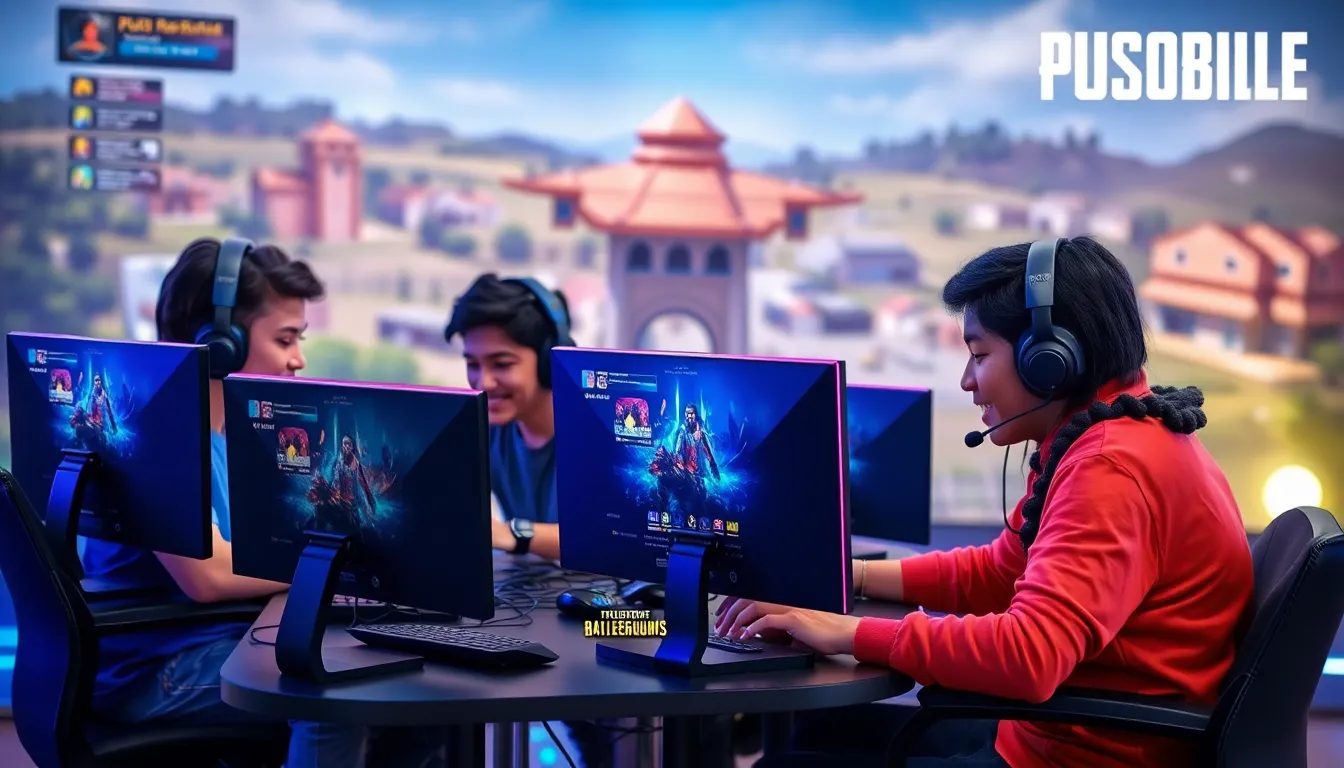
Discord is a voice, video, and text communication service designed primarily for gamers. Imagine a bustling digital hangout spot where players unite, strategize, and share memes. For PUBG Mobile fans, Discord can be a game-changer. It provides an efficient platform for organizing squads, sharing tips, and providing instant support during clashes with opponents. Players can create custom servers tailored specifically to their squad’s needs, fostering a sense of community and team spirit. Also, Discord supports bots and additional tools, making it an essential companion for any serious PUBG Mobile player.
Creating a PUBG Mobile Discord Server
Creating your own PUBG Mobile Discord server is easier than taking a grenade out of the box. First, you’ll need a Discord account – don’t worry, it’s free. Once logged in, follow these simple steps:
- Click the plus (+) icon in the left sidebar.
- Select ‘Create my own’ option.
- Name your server, something quirky like “Chicken Dinner Squad” will do nicely.
- Customize with an eye-catching icon. A chicken, perhaps?
- Set up essential channels, separate text channels for strategies, memes, and updates can keep chaos to a minimum.
…And voilà, your PUBG haven is ready. Inviting friends is as simple as sending them a link. Encourage them to join, and soon enough, your server will be bustling with activity, laughter, and maybe a little friendly banter.
Joining Existing PUBG Mobile Discord Communities
Not everyone wants to run their own server, and that’s perfectly okay. There are countless existing PUBG Mobile communities on Discord waiting for players to jump in. To find one:
- Search through Discord server listing websites. Sites like Discord.me or DiscordServers.com often have specific categories.
- Check forums or social media, platforms like Reddit have dedicated threads sharing invites to various gaming communities.
- Ask friends for recommendations, chances are they know of an active server.
Joining an established community lets players connect with others, discover resources, and jump into games together without the effort of building a server from scratch. Expect competition, fun events, and plenty of epic moments.
Effective Communication on Discord During Gameplay
Communication is paramount during gameplay, especially in a game like PUBG Mobile where split-second decisions can be the difference between life and death. Here’s how to make the most of Discord’s communication features:
Key Features and Bots for PUBG Mobile Discord Servers
- Voice Channels: These are your best friends. Setting a specific voice channel for your squad during matches keeps strategies clear and communication quick.
- Text Channels: Use them for sharing tips, screenshots, or simply where to meet up before the game starts.
- Bots: Consider using bots like MEE6 or Dyno, which can help manage servers, announce events, or provide game stats. Integrating a bot to auto-mute inactive users can keep voice chats focused on gameplay.
Community Etiquette and Rules for a Positive Experience
Joining a Discord community isn’t just about gaming: it’s also about building friendships. Maintaining etiquette and understanding server rules is key to ensuring everyone enjoys their time. Here are some guidelines to abide by:
- Respect others: It’s a game, not a battleground of egos. Keep the trash talk light-hearted and friendly.
- No spamming: Flooding channels with messages can be annoying. Share information, not chaos.
- Follow server rules: Every server has different rules, usually pinned in a dedicated channel. Take a moment to read them.
- Be inclusive: Gaming is more fun when everyone feels welcomed. Encourage others and engage with new members.
Troubleshooting Common Discord Issues with PUBG Mobile
Even the best systems have hiccups. Discord can sometimes be buggy, leading to frustrating issues during crucial moments. Here are common problems and fixes:
- Audio Issues: If teammates can’t hear you or vice versa, check audio settings. Ensure that the correct input and output devices are selected in Discord settings.
- Connection Problems: Latency can ruin gameplay. Switch to a wired internet connection if possible, or try restarting your modem/router.
- Notifications Not Working: Double-check notification settings both in Discord and your device. Turn them on so you don’t miss crucial updates.
Hopefully, these tips keep your Discord experience as smooth as your game. As tech-savvy as any gamer should be, knowing how to troubleshoot common issues is invaluable.